
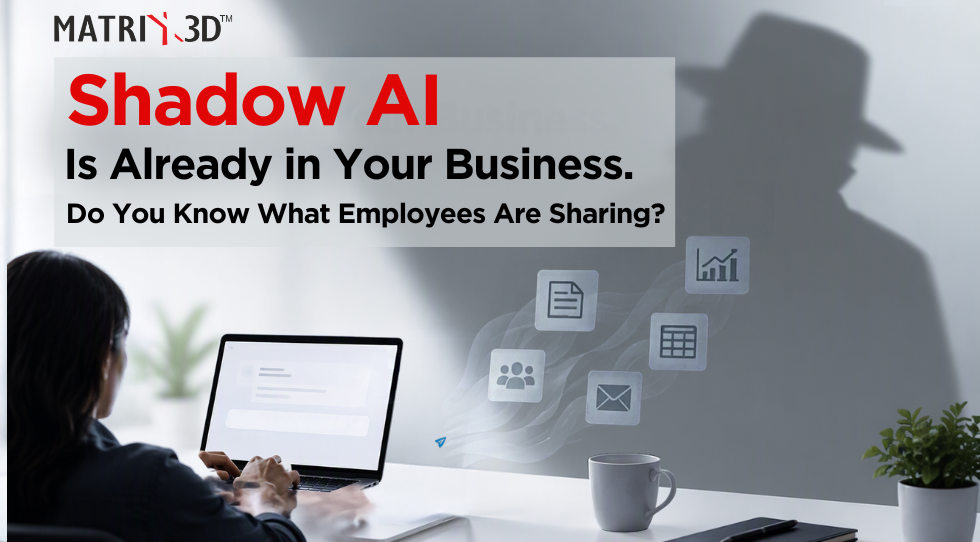
Your employees may already be using AI at work, even if your company has never formally approved an AI tool.
The reasons are easy to understand. Someone needs to summarise a long report. A sales executive wants to improve an important email. An accounts team member wants to make sense of a spreadsheet. Rather than spend an hour on the task, they open an AI tool and paste in the information.
They are not trying to put the business at risk. They are simply trying to get the work done faster.
But that leaves one important question:
| What company information are employees sharing with AI tools along the way? |
That is the real concern behind Shadow AI.
What is Shadow AI?
Shadow AI is the use of AI tools for company work without the business having clear visibility, approval or control.
It is usually not deliberate misconduct. Employees discover that AI can help them write, summarise, research or analyse information and start using it as part of their working day.
The risk appears when they enter customer details, contracts, pricing, internal reports, meeting notes or other sensitive information into tools the company has not reviewed.
Shadow IT can move customer, pricing and internal information outside approved business controls.
So the question is no longer only, “Are our employees using AI?”
It is, “Are they using it in a way that protects our information?”

Why banning AI will not fix the problem
Once people see how much time AI can save, a blanket ban rarely removes the need that drove them to use it.
- There are still too many emails to read.
- Documents still need to be drafted.
- Meetings still need to be summarised.
- Data still needs to be understood.
- Deadlines have not moved.
If the approved tools do not help, some employees will quietly return to whatever works. The better answer is to give them a business-ready option and clear rules for using it.
| Let people use AI to get work done, without losing control of company information. |
How Microsoft Copilot changes the conversation
For a business already using Microsoft 365, Copilot offers a more practical choice than asking employees to copy information into a separate consumer AI tool.
It works alongside the Microsoft 365 apps people already use and can draw on the emails, files, chats and meetings they are allowed to access. Existing Microsoft 365 permissions still apply.
More importantly, it changes the conversation from “Which AI website should I paste this into?” to “How can Copilot help me with the work already in front of me?”
- In Outlook, a sales executive can ask Copilot to summarise a long customer email thread, identify unanswered questions and draft a reply using the context already in Microsoft 365.
- In Teams, someone who missed a meeting can catch up on the main points, decisions and actions instead of asking a colleague to repeat everything.
- In Word, an employee can turn notes and existing files into a first draft, rewrite a section for a different audience or pull out the key points from a long document.
- In Excel, a manager can ask questions about a table, spot trends and create a clearer analysis without first moving the data to an unrelated service.
- In PowerPoint, a team can build a first presentation from an existing brief and then refine the message, structure and visuals.
This does not remove every risk, and Copilot still needs human review. But it gives employees a useful alternative inside the environment where the company already manages identity, access and information.
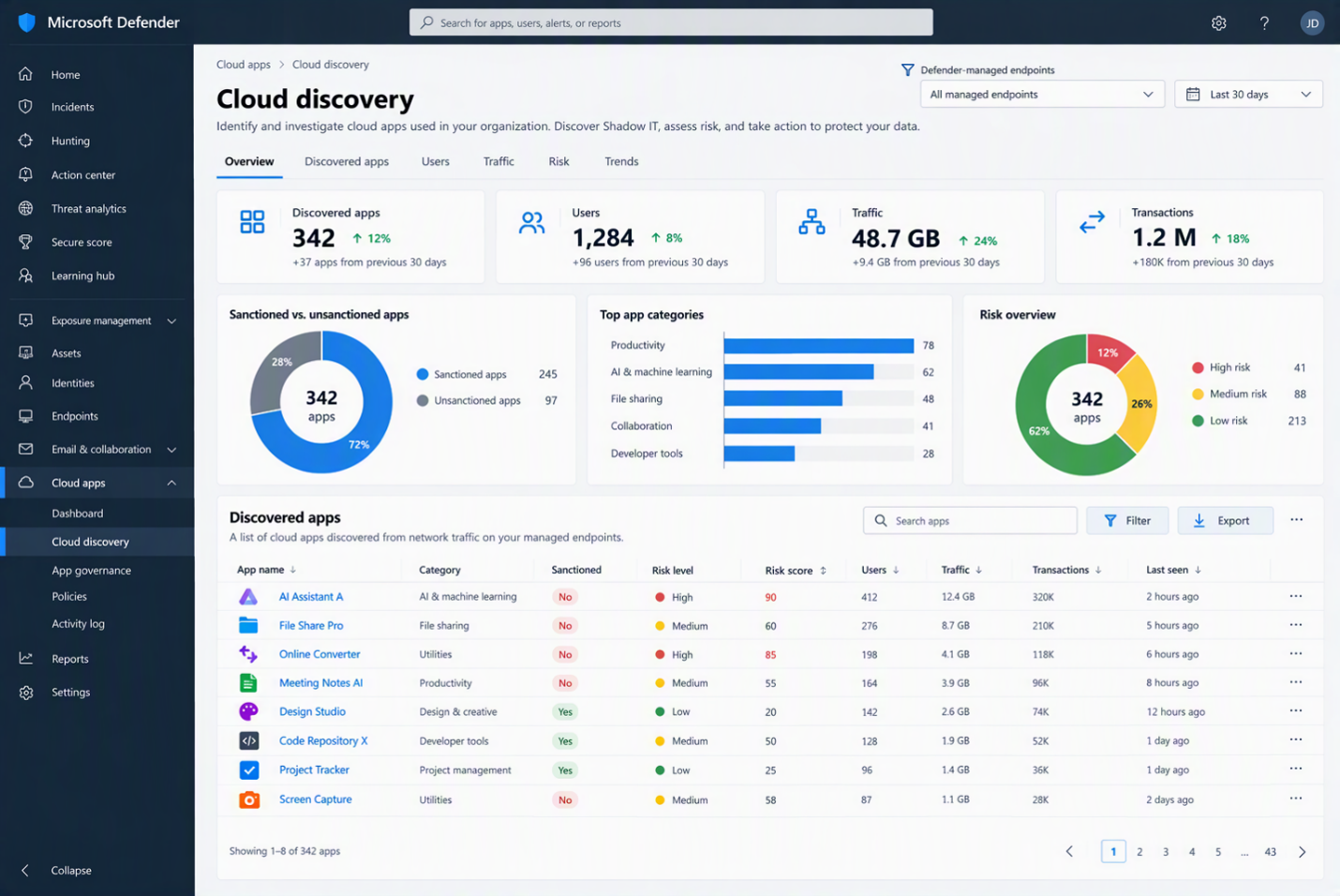
What protects the company’s information?
Productivity is only half the story. The business also needs to know what happens to its data.
With Microsoft’s Enterprise Data Protection, prompts and responses are covered by Microsoft’s commercial data-protection terms. They are encrypted, auditable and not used to train foundation models. Copilot also respects the user’s existing identity, permissions and organisational policies.
That changes the management discussion from:
“Which AI tools should we allow?”
to:
| “How do we help employees use AI productively while keeping company information protected and manageable?” |
A Copilot licence is not the whole answer
Copilot follows the access people already have. That is useful, but it can also reveal an old problem: employees may have access to more information than they actually need.
Before a wider rollout, the business should answer five simple questions:
- Which teams have clear, repeatable use cases?
- Which files and sites contain sensitive information?
- Are current permissions still appropriate?
- Who should join the first pilot?
- How will the business measure time saved, quality and adoption?
Start small. Choose a few roles with repetitive, information-heavy work, clean up the access around them, train them on approved use and measure the results.
Move from hidden use to managed use
Shadow AI is a sign that employees want a faster way to work. Ignoring that demand will not make it disappear.
A better approach is to offer an approved tool, set sensible boundaries and focus on real work: customer emails, meeting follow-ups, reports, analysis and presentations.
For companies already using Microsoft 365, Copilot can make that shift easier because it fits into familiar apps and existing controls. But the rollout still needs clean permissions, the right licences, practical training and clear ownership.
Make AI useful for employees and manageable for the business
Matrix3D helps organisations review their Microsoft 365 setup, identify strong Copilot use cases, check licences and permissions, and run a focused pilot before a broader rollout.
If employees are already experimenting with AI, the answer does not have to be a blanket “no”.
Give them a safer, useful way to get the work done.
Talk to Matrix3D about a practical Microsoft Copilot pilot for your business. |
Recent Comments